Monday, 31 August 2020

Flower Rain Animation in HTML CSS

Flower Rain Animation in HTML CSS - 

                                                      Download: Code

Index.html

<!DOCTYPE html>
<html>
  <head>
    <link rel="stylesheet" type="text/css" href="style.css">
    <title>Flower Animaion</title>
  </head>
  <body>
    <div class="canvas">

     <div class="flower" id="flower1">
        <div class="petal petal1 f1p"></div>
        <div class="petal petal2 f1p"></div>
        <div class="petal petal3 f1p"></div>
        <div class="petal petal4 f1p"></div>
        <div class="petal petal5 f1p"></div>
     </div>

     <div class="flower" id="flower2">
        <div class="petal petal1 f2p"></div>
        <div class="petal petal2 f2p"></div>
        <div class="petal petal3 f2p"></div>
        <div class="petal petal4 f2p"></div>
        <div class="petal petal5 f2p"></div>
     </div>
     
     <div class="flower" id="flower3">
        <div class="petal petal1 f3p"></div>
        <div class="petal petal2 f3p"></div>
        <div class="petal petal3 f3p"></div>
        <div class="petal petal4 f3p"></div>
        <div class="petal petal5 f3p"></div>
     </div>

     <div class="flower" id="flower4">
        <div class="petal petal1 f4p"></div>
        <div class="petal petal2 f4p"></div>
        <div class="petal petal3 f4p"></div>
        <div class="petal petal4 f4p"></div>
        <div class="petal petal5 f4p"></div>
     </div>

     <div class="flower" id="flower5">
        <div class="petal petal1 f5p"></div>
        <div class="petal petal2 f5p"></div>
        <div class="petal petal3 f5p"></div>
        <div class="petal petal4 f5p"></div>
        <div class="petal petal5 f5p"></div>
     </div>

     <div class="flower" id="flower6">
        <div class="petal petal1 f6p"></div>
        <div class="petal petal2 f6p"></div>
        <div class="petal petal3 f6p"></div>
        <div class="petal petal4 f6p"></div>
        <div class="petal petal5 f6p"></div>
     </div>
  </div>
  </body>
</html>
style.css

body {
    margin:0;
    padding:0;
    background-color:#702050;
}
.canvas{
    display:inline;
}
.flower{
    width:15px;
    height:15px;
    border-radius:50%;
    z-index:1;
    position:absolute;
    top:-20%;
}
.petal{
    width:15px;
    height:15px;
    border-radius:50%;
    z-index:-1;
}
.petal1{
    position:relative;
    left:-70%; top:20%;
}
.petal2{
    position:relative;
    top:-18%; left:-5%;
}
.petal3{
    position:relative;
    top:-170%; left:72%;
}
.petal4{
    position:relative;
    top:-363%; left:-30%;
}
.petal5{
    position:relative;
    top:-450%; left:53%;
}

#flower1{
    background-color:yellow;
    position:absolute;
    left:8%;
    animation-name:rain;
    animation-duration:7s;
    animation-iteration-count:infinite;
    animation-timing-function:linear;
}
.f1p{
    background-color:pink;
}

#flower2{
    background-color:orange;
    position:absolute;
    left:25%;
    animation-name:rain;
    animation-duration:4s;
    animation-iteration-count:infinite;
    animation-timing-function:linear;
    animation-delay:1.5s;
}
.f2p{
    background-color:yellow;
}
#flower3{
    background-color:red;
    position:absolute;
    left:42%;
    animation-name:rain;
    animation-duration:10s;
    animation-iteration-count:infinite;
    animation-timing-function:linear;
    animation-delay:0s;
}
.f3p{
    background-color:skyblue;
}
#flower4{
    background-color:cyan;
    position:absolute;
    left:59%;
    animation-name:rain;
    animation-duration:2.5s;
    animation-iteration-count:infinite;
    animation-timing-function:linear;
    animation-delay:2.5s;
}
.f4p{
    background-color:blue;
}

#flower5{
    background-color:green;
    position:absolute;
    left:75%;
    animation-name:rain;
    animation-duration:10s;
    animation-iteration-count:infinite;
    animation-timing-function:ease-out;
    animation-delay:3s;
}
.f5p{
    background-color:lightgreen;
}

#flower6{
    background-color:magenta;
    position:absolute;
    left:90%;
    animation-name:rain;
    animation-duration:2s;
    animation-iteration-count:infinite;
    animation-timing-function:ease-in;
    animation-delay:4.5s;
}
.f6p{
    background-color:turquoise;
}
@keyframes rain{
    0%{transform:rotate(0deg);
       top:-10%;
    }
    100%{transform:rotate(720deg);
         top:100vh;
    }
}

Output - 

Output

Source Code - Click Here...

Tuesday, 28 April 2020

Different Types Of Android Dialog


Different Types Of Android Dialog
Android Dialog
Alert Dialog                                  Download: Code
AlertDialog.Builder builder = new AlertDialog.Builder(this);//this is activity
    builder.setMessage(R.string.show_alert)
            .setPositiveButton(R.string.show, new DialogInterface.OnClickListener() {
                @Override
                public void onClick(DialogInterface dialog, int which) {
                    show_alert.setText("Alert Showed");
                }
            }).setNegativeButton(R.string.dont, new DialogInterface.OnClickListener() {
        @Override
        public void onClick(DialogInterface dialog, int which) {
            show_alert.setText("Alert Not Showed");
        }
    }).show();
 
Custom Dialog
    TextView title = new TextView(this);
    title.setText(R.string.Custom_alert);
    title.setTextColor(R.color.title);
    title.setPadding(20, 20, 20, 20);
    title.setGravity(Gravity.CENTER);
    title.setBackgroundColor(R.color.white);
    title.setTextSize(20);
    AlertDialog.Builder builder = new AlertDialog.Builder(this);//this is activity
    builder.setMessage(R.string.show_alert)
            .setCustomTitle(title)
            .setPositiveButton(R.string.show, new DialogInterface.OnClickListener() {
                @Override
                public void onClick(DialogInterface dialog, int which) {
                    show_alert.setText("Alert Showed");
                }
            }).setNegativeButton(R.string.dont, new DialogInterface.OnClickListener() {
        @Override
        public void onClick(DialogInterface dialog, int which) {
            show_alert.setText("Alert Not Showed");
        }
    }).show();

Source Code - Download

Saturday, 25 April 2020

Get Audio Duration from URL in HTML

<!DOCTYPE html>
<html lang="en" dir="ltr">
  <head>
    <meta charset="utf-8">
    <title> Get Duration</title>
  </head>
  <body>
    <h1>Get Duration of Audio file from URL in HTML</h1>
    <audio id="audio-element">
  <source src="http://labs.qnimate.com/files/mp3.mp3" type="audio/mpeg">
  Your browser does not support the audio tag.
</audio>
<br>
<button onclick="duration();">Get Duration</button>
<p id="demo"></p>
<script type="text/javascript">
  function duration()
{
    var audio = document.getElementById("audio-element");
    if(audio.readyState > 0) 
    {
        var minutes = parseInt(audio.duration / 60, 10);
        var seconds = parseInt(audio.duration % 60);
        document.getElementById("demo").innerHTML="Duration - "+minutes+":"+seconds;
    }
}
</script>
  </body>
</html>
                                                  Download: Code

Output - 


Source Code - Download 

Sunday, 8 March 2020

Get URL From Webview

Get URL from long click on links in a Webview

MainActivity.java
                                Download: Code
public class MainActivity extends AppCompatActivity {

    WebView webView;
    String URL1 = "https://stackoverflow.com/questions/60577403/how-to-get-url-from-long-click-links-in-a-webview/60577736?noredirect=1#comment107173847_60577736";

    @Override
    protected void onCreate(Bundle savedInstanceState) {
        super.onCreate(savedInstanceState);
        setContentView(R.layout.activity_main);

        webView = findViewById(R.id.webview);

        webView.clearHistory();
        webView.getSettings().setJavaScriptEnabled(true);
        webView.getSettings().setLoadWithOverviewMode(true);
        webView.getSettings().setUseWideViewPort(true);
        webView.setWebViewClient(new WebViewClient() {

            public void onReceivedError(WebView view, int errorCode, String description, String failingUrl) {

            }

            public void onPageFinished(WebView view, String url) {

            }

            @Override
            public boolean shouldOverrideUrlLoading(WebView view, String url) {
                URL1 = url;
                return super.shouldOverrideUrlLoading(view, url);
            }
        });
        webView.loadUrl(URL1);
        // Register the context menu for web view
        registerForContextMenu(webView);
    }

    @Override
    public void onCreateContextMenu(ContextMenu menu, View v, ContextMenu.ContextMenuInfo menuInfo) {
        super.onCreateContextMenu(menu, v, menuInfo);

        // Get the web view hit test result
        final WebView.HitTestResult result = webView.getHitTestResult();

        // If user long press on url
        if (result.getType() == WebView.HitTestResult.ANCHOR_TYPE ||
                result.getType() == WebView.HitTestResult.SRC_ANCHOR_TYPE) {

            // Set the title for context menu
            menu.setHeaderTitle("\t\t\t\t\t\t\t\t\t\t ◦ ◉ ⦿ Select ⦿ ◉ ◦ \t");

            // Add an item to the menu
            menu.add(0, 1, 0, " \t \t➤\t Show URL")
                    .setOnMenuItemClickListener(new MenuItem.OnMenuItemClickListener() {
                        @Override
                        public boolean onMenuItemClick(MenuItem menuItem) {
                            String Pressed_url = result.getExtra();
                            Toast.makeText(MainActivity.this, "URL is:-" + Pressed_url,
                                    Toast.LENGTH_SHORT).show();
                            return false;
                        }
                    });
        }
    }
}
activity_main.xml


<?xml version="1.0" encoding="utf-8"?>
<androidx.constraintlayout.widget.ConstraintLayout xmlns:android="http://schemas.android.com/apk/res/android"
    xmlns:tools="http://schemas.android.com/tools"
    android:layout_width="match_parent"
    android:layout_height="match_parent"
    tools:context=".MainActivity">

    <WebView
        android:id="@+id/webview"
        android:layout_width="match_parent"
        android:layout_height="match_parent" />

</androidx.constraintlayout.widget.ConstraintLayout>
Output - 


Download Full Code from GitHub.

Tuesday, 4 February 2020

Responsive Animated Login Page Html Css JS

Responsive Animated Login Page Html Css JS


index.html                                Download: Code

<!DOCTYPE html>
<html>
<head>
 <title>Animated Login Form</title>
  <meta name="viewport" content="width=device-width, initial-scale=1.0">
 <link rel="stylesheet" type="text/css" href="css/style.css">
 <link href="https://fonts.googleapis.com/css?family=Poppins:600&display=swap" rel="stylesheet">
 <script src="https://kit.fontawesome.com/a81368914c.js"></script>
</head>
<body>
 <img class="wave" src="img/wave.png">
 <div class="container">
  <div class="img">
   <img src="img/bg.svg">
  </div>
  <div class="login-content">
   <form action="index.html">
    <img src="img/avatar.svg">
    <h2 class="title">Welcome</h2>
             <div class="input-div one">
                <div class="i">
                  <i class="fas fa-user"></i>
                </div>
                <div class="div">
                  <h5>Username</h5>
                  <input type="text" class="input">
                </div>
             </div>
             <div class="input-div pass">
                <div class="i">
                  <i class="fas fa-lock"></i>
                </div>
                <div class="div">
                  <h5>Password</h5>
                  <input type="password" class="input">
                </div>
             </div>
             <a href="#">Forgot Password?</a>
             <input type="submit" class="btn" value="Login">
            </form>
        </div>
    </div>
    <script type="text/javascript" src="js/main.js"></script>
</body>
</html>

style.css

*{
 padding: 0;
 margin: 0;
 box-sizing: border-box;
}

body{
    font-family: 'Poppins', sans-serif;
    overflow: hidden;
}

.wave{
 position: fixed;
 bottom: 0;
 left: 0;
 height: 100%;
 z-index: -1;
}

.container{
    width: 100vw;
    height: 100vh;
    display: grid;
    grid-template-columns: repeat(2, 1fr);
    grid-gap :7rem;
    padding: 0 2rem;
}

.img{
 display: flex;
 justify-content: flex-end;
 align-items: center;
}

.login-content{
 display: flex;
 justify-content: flex-start;
 align-items: center;
 text-align: center;
}

.img img{
 width: 500px;
}

form{
 width: 360px;
}

.login-content img{
    height: 100px;
}

.login-content h2{
 margin: 15px 0;
 color: #333;
 text-transform: uppercase;
 font-size: 2.9rem;
}

.login-content .input-div{
 position: relative;
    display: grid;
    grid-template-columns: 7% 93%;
    margin: 25px 0;
    padding: 5px 0;
    border-bottom: 2px solid #d9d9d9;
}

.login-content .input-div.one{
 margin-top: 0;
}

.i{
 color: #d9d9d9;
 display: flex;
 justify-content: center;
 align-items: center;
}

.i i{
 transition: .3s;
}

.input-div > div{
    position: relative;
 height: 45px;
}

.input-div > div > h5{
 position: absolute;
 left: 10px;
 top: 50%;
 transform: translateY(-50%);
 color: #999;
 font-size: 18px;
 transition: .3s;
}

.input-div:before, .input-div:after{
 content: '';
 position: absolute;
 bottom: -2px;
 width: 0%;
 height: 2px;
 background-color: #38d39f;
 transition: .4s;
}

.input-div:before{
 right: 50%;
}

.input-div:after{
 left: 50%;
}

.input-div.focus:before, .input-div.focus:after{
 width: 50%;
}

.input-div.focus > div > h5{
 top: -5px;
 font-size: 15px;
}

.input-div.focus > .i > i{
 color: #38d39f;
}

.input-div > div > input{
 position: absolute;
 left: 0;
 top: 0;
 width: 100%;
 height: 100%;
 border: none;
 outline: none;
 background: none;
 padding: 0.5rem 0.7rem;
 font-size: 1.2rem;
 color: #555;
 font-family: 'poppins', sans-serif;
}

.input-div.pass{
 margin-bottom: 4px;
}

a{
 display: block;
 text-align: right;
 text-decoration: none;
 color: #999;
 font-size: 0.9rem;
 transition: .3s;
}

a:hover{
 color: #38d39f;
}

.btn{
 display: block;
 width: 100%;
 height: 50px;
 border-radius: 25px;
 outline: none;
 border: none;
 background-image: linear-gradient(to right, #32be8f, #38d39f, #32be8f);
 background-size: 200%;
 font-size: 1.2rem;
 color: #fff;
 font-family: 'Poppins', sans-serif;
 text-transform: uppercase;
 margin: 1rem 0;
 cursor: pointer;
 transition: .5s;
}
.btn:hover{
 background-position: right;
}


@media screen and (max-width: 1050px){
 .container{
  grid-gap: 5rem;
 }
}

@media screen and (max-width: 1000px){
 form{
  width: 290px;
 }

 .login-content h2{
        font-size: 2.4rem;
        margin: 8px 0;
 }

 .img img{
  width: 400px;
 }
}

@media screen and (max-width: 900px){
 .container{
  grid-template-columns: 1fr;
 }

 .img{
  display: none;
 }

 .wave{
  display: none;
 }

 .login-content{
  justify-content: center;
 }
}

main.js

const inputs = document.querySelectorAll(".input");


function addcl(){
 let parent = this.parentNode.parentNode;
 parent.classList.add("focus");
}

function remcl(){
 let parent = this.parentNode.parentNode;
 if(this.value == ""){
  parent.classList.remove("focus");
 }
}


inputs.forEach(input => {
 input.addEventListener("focus", addcl);
 input.addEventListener("blur", remcl);
});

Download Code - GitHub

Saturday, 1 February 2020

Android Smart Rate Us Dialog

Animated Android Smart Rate Us Dialog


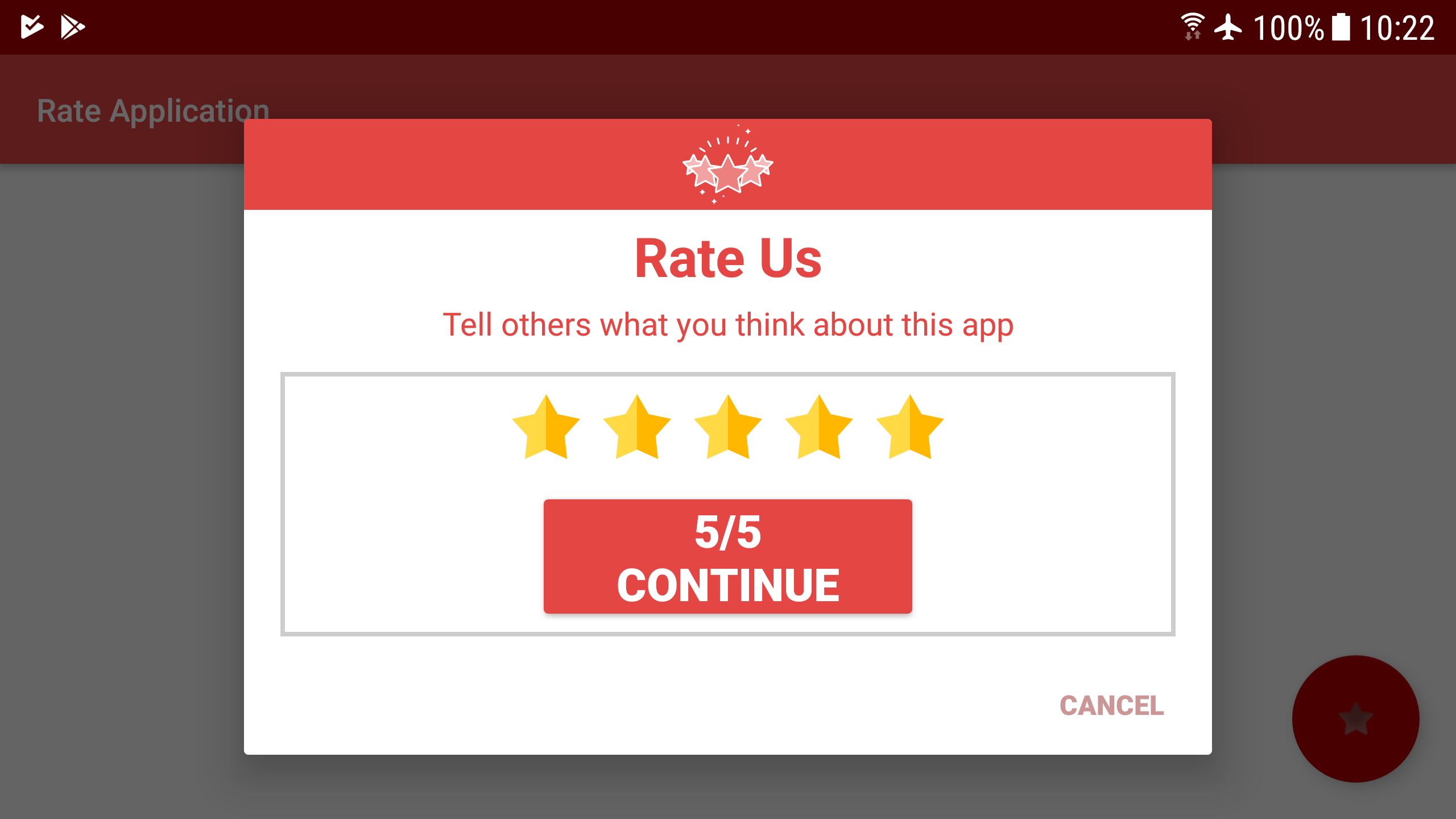
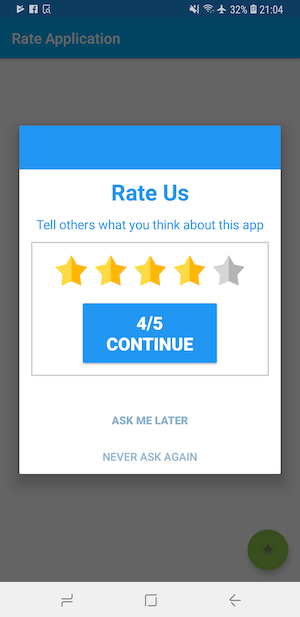
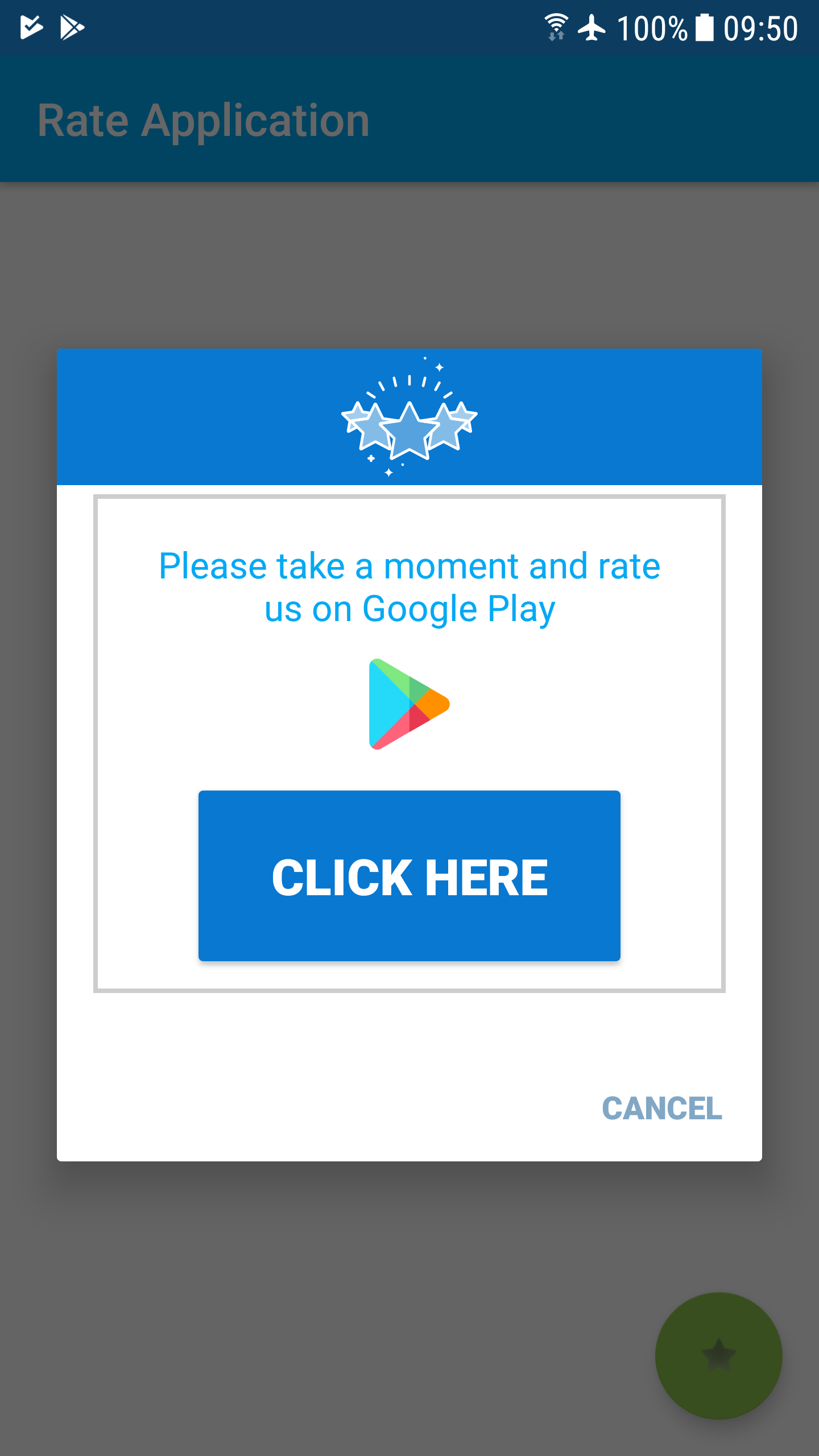
A library for simple implementation of smart ranking. The user will see a dialog every x time. If the user gives a high score, he will be transferred to the Google store. If he gives a low score, he will only receive a thank you toast message.

Android Smart Rate Us Dialog

Step 1. Add it in your root build.gradle at the end of repositories:
                                                             Download: Code

allprojects {
    repositories {
maven {
}
    }
}

Step 2. Add the dependency:

dependencies {
         implementation 'com.github.guy-4444:SmartRateUsDialog-Android:1.00.08'
}

Step 3. Call Constructor:

// For one time call
    SmartRate.Rate(MainActivity.this
            , "Rate Us"
            , "Tell others what you think about this app"
            , "Continue"
            , "Close"
            , "Thanks for the feedback"
            , Color.parseColor("#2196F3")
            , 4
    );
    // For continual calls -
    SmartRate.Rate(MainActivity.this
                , "Rate Us" // title - optional
                , "Tell others what you think about this app" // content - optional
                , "Continue" // OK button text - optional
                , "Ask me later" // later button text - optional
                , "Never ask again" // stop asking button text - optional
                , "Thanks for the feedback" // thanks message to low star users - optional
                , Color.parseColor("#2196F3") // dialog theme color
                , 4 // open google play from _ stars  1..5 - optional
  , 48 // time between calls (unit: Hours) - default is 6 days
  , 72 // Time to wait until you start asking for the first time (unit: Hours) - default is 3 days
                );


Full Code - Download 

Donate